Users
게시 업데이트
Users, under Governance in the Platform Console's sidebar, lists the readers of every tenant in one place. It exists for what a single tenant cannot handle alone: a complaint or a legal request that reaches the operator rather than the publisher, or an account a tenant's administrators cannot reach. Day to day, each tenant's administrators look after their own readers from Readers in the tenant console. There is no publiractl equivalent.
What the list shows
Every account belongs to one tenant, so a person who reads on two tenants' sites appears twice, once for each. The list shows each account's Name, its Tenant, when it was Registered, and its Status, and narrows them by status, by tenant, and by registration date. It has no search by name or email address: find an account by narrowing to its tenant and the date it signed up.

The list holds readers only. An account that holds a role in a tenant's console is staff, and is managed from that tenant's Members, as A tenant's staff describes.
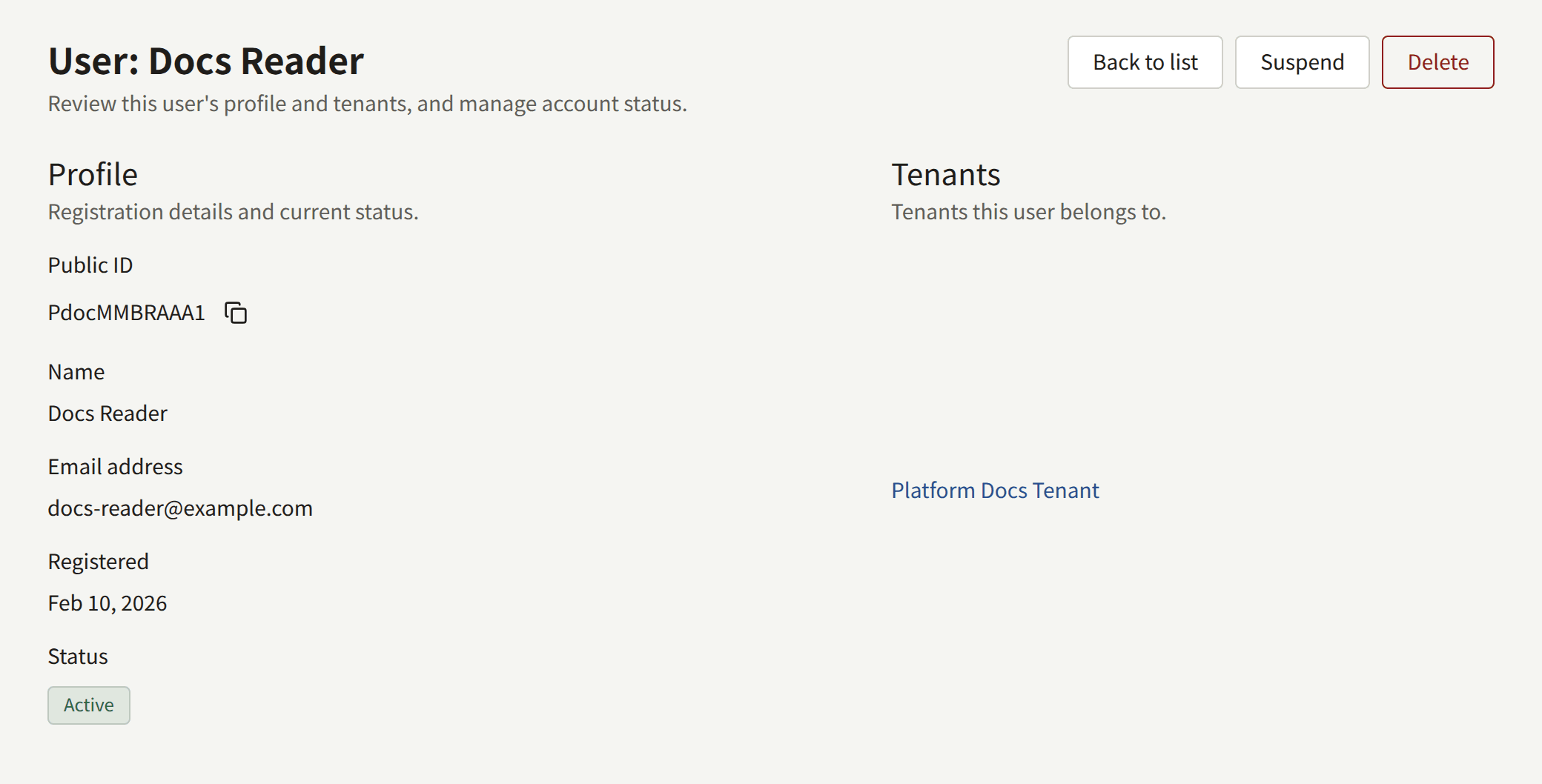
Details opens an account: its Public ID, name, Email address, registration date, status, and the tenant it belongs to.
Suspending and deleting an account
An Operator or a Super admin can act on an account from its page. An Auditor sees the page without the buttons.
- Suspend stops the reader from signing in, on the site and in the app, and ends the sessions they already have. Nothing is removed from the account. Unsuspend lets them sign in again.
- Delete removes the account permanently, and cannot be undone. A reader who wants their own account gone can delete it themselves from the tenant's site, which is usually the better path.

Neither can be done to an account that holds a console role: take the role away first, from the tenant's Members.
Each action is recorded in Audit logs, with the operator who took it.